2.5.4 Add/Delete/Modify Relationships
2.5.4.1 Add Relationships Check 1.6.3
2.5.4.2 Delete Relationships
-
Click
 to open Relationship Schema Editor.
 -
Select the relationship.
-
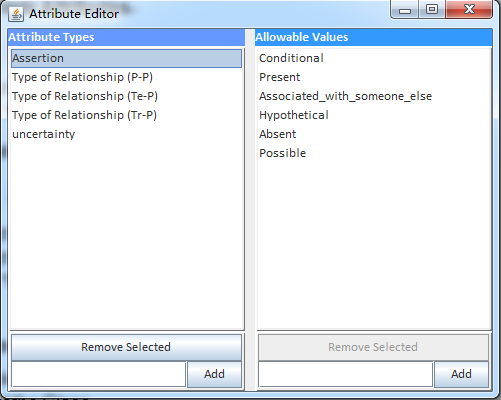
Click “Remove Selected” to delete relationship.to open Attribute Editor
2.5.4.3 Modify Relationship
-
Click
 to open Relationship Schema Editor.
 -
Select the relationship.
-
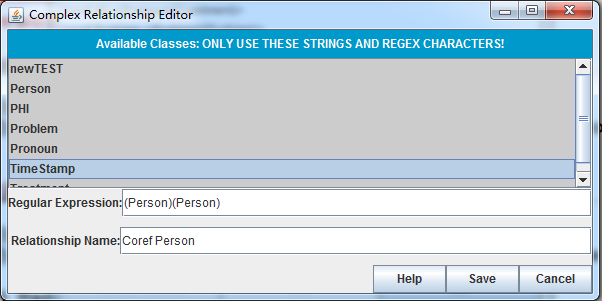
Click “Edit” to edit.
-
Type in new Regular Expression and new Relationship Name.
-
Click “Save” to save the relationship.