2.2 Viewer
-
a) Filename of current file in Text Display tab.

- b) Drop-down menu to select the file to be displayed.
- c) Move to the previous or next note. You can also use the keyboard shortcuts Ctrl+PageUp (previous note) and Ctrl+PageDown (next note). They work anywhere in the eHOST window — you do not need to click the Text Display area first, and they keep working after you select an annotation or edit in the Annotation Editor.
- d) Increase/ decrease text font.
- e) Import annotations from Knowtator XML or PINS files.
- f) Remove all annotations.
- g) Check duplicated annotations and annotations with no span/ class .
- h) Quick Save for the annotations to the “saved” folder in the project folder.
- i) “Save As”, export all annotations to Knowtator XML files to a designated folder.
-
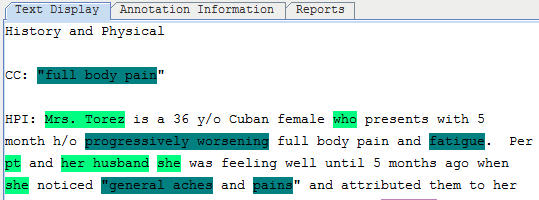
j) Displaying the current text file.
-
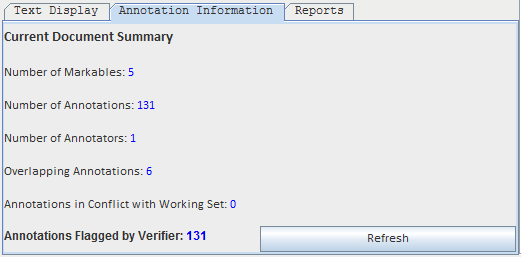
k) Displaying the document summary for the current text file.
-
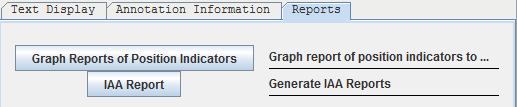
l) Generating Position Indicators report and IAA Report.