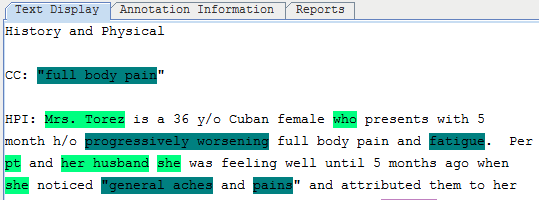
2.4 Import Annotations
-
Click
 in the view panel to import annotations.
 -
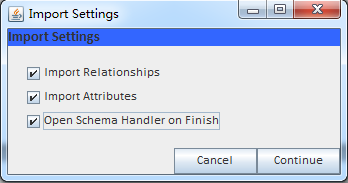
Set up in the importing setting.
-
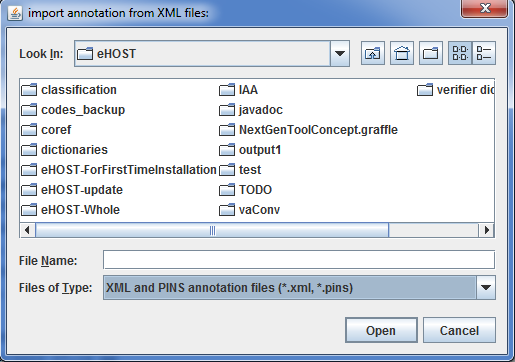
Use the file browser to pick up the files.
-
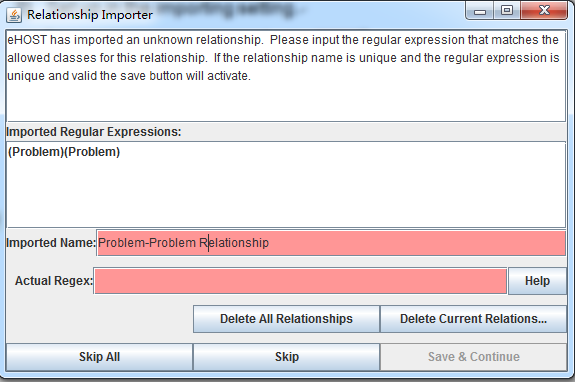
The “Relationship Importer” window displays.
-
Use “Delete All Relationships” or “Delete Current Relations” to select the new relationships.
- White: regular expression is good and matches all imported relationships
- Yellow: valid regular expression, but doesn’t contain all imported relationships.
- Red: regular expression does not fit within guideline.
-
Done.