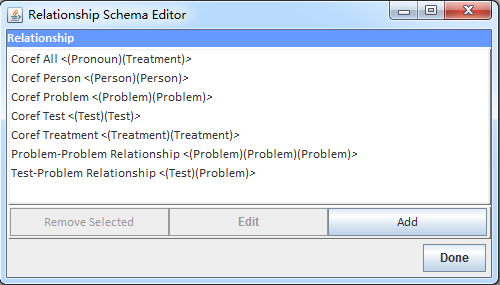
1.5.3 Define Relationships
-
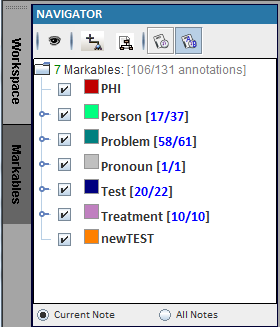
Click on Markables (The darker one)
-
Click on the icon
 to manage annotation classes.at the upper-left. This displays the “Relationship Schema Editor” window.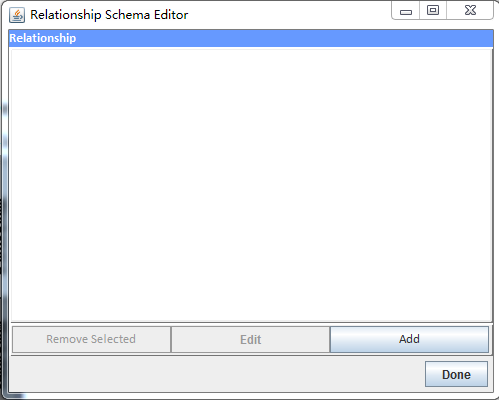
-
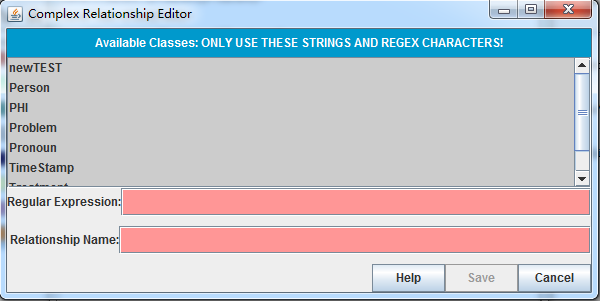
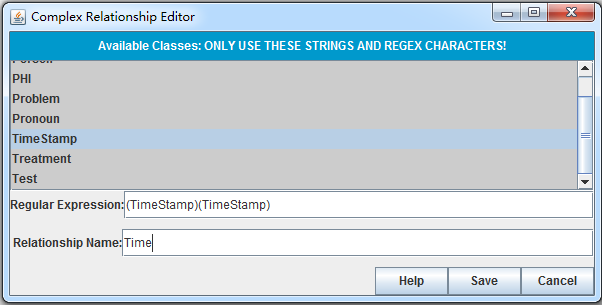
Click on “Add” to add new relationship. This displays the “Complex Relationship Editor” window.
-
Enter the “(TimeStamp)(TimeStamp)” to the Regular Expression and “Time” to the relationship name, then click Save
-
Repeat steps 3 and 4 to add additional relationships.