1.2 Launching eHOST
Start eHOST
Unzip the release archive (eHOST-<version>.zip) into any folder. Inside you will find eHOST.jar
together with run.bat (Windows), run (macOS/Linux) and the default eHOST.sys and
application.properties files.
There are three equivalent ways to start eHOST:
- Double-click
eHOST.jarin your platform’s file browser. - Double-click
run.bat, or run./runfrom a terminal. -
Run it from a terminal yourself:
java -jar eHOST.jar
Starting from a terminal is worth doing at least once: eHOST prints its version, its configuration folder and — if the RESTful server is enabled — the URL it is listening on.
******************************************
*     Welcome to eHOST                   *
*     Version: 1.39                      *
******************************************
...
--------------------------------------------------------------
eHOST RESTful Server is running at:
 - Local URL: http://127.0.0.1:8010
--------------------------------------------------------------
A splash screen with a progress bar is shown while eHOST loads its configuration, settings and GUI.
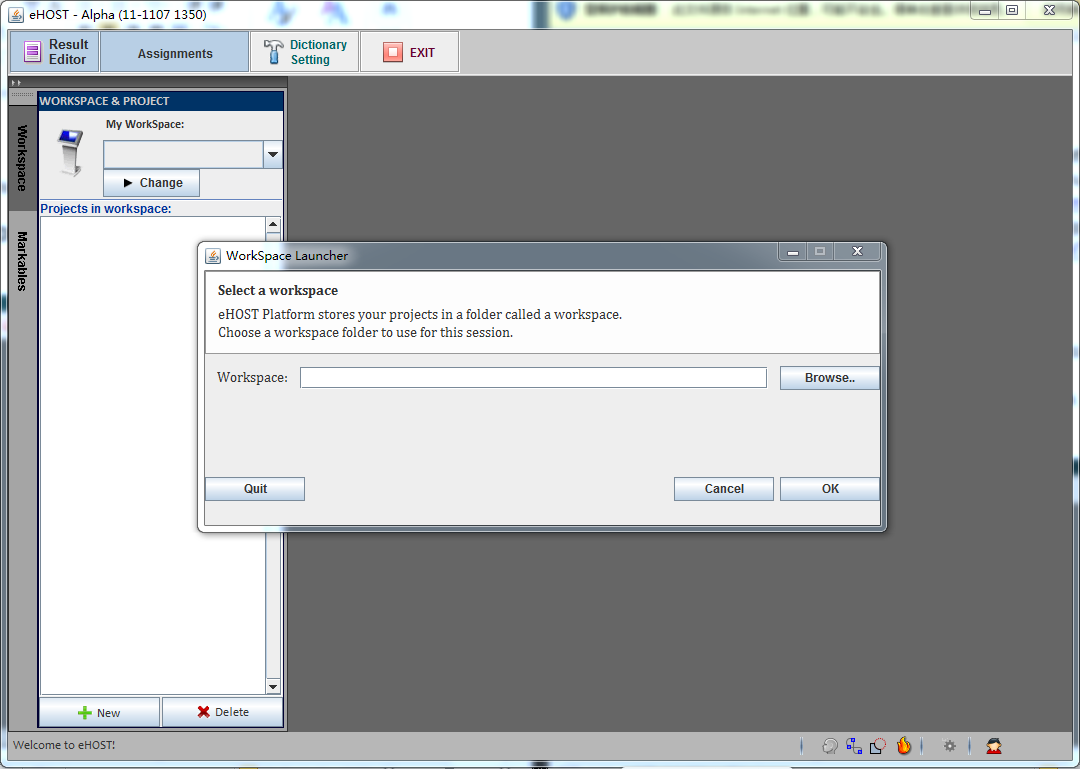
Command line options
| Option | Long form | Description |
|---|---|---|
-c |
--ehostconfighome |
Folder that holds eHOST.sys and application.properties |
-w |
--workspace |
Folder that holds your eHOST projects |
-s |
--spring.config.location |
Explicit path to an application.properties file |
-h |
--help |
Print the option list and exit |
Both -c /path and -c=/path forms work:
java -jar eHOST.jar -w /home/me/ehost_workspace -c /home/me/ehost_config
java -jar eHOST.jar --workspace=/home/me/ehost_workspace --ehostconfighome=/home/me/ehost_config
Where eHOST keeps its configuration
If -c is not given, the configuration home defaults to USER_HOME/.ehost
(C:\Users\<you>\.ehost on Windows). The first time eHOST starts, it copies the bundled default
eHOST.sys and application.properties into that folder, so several people can share one copy of the
eHOST program while each keeps their own settings.
If -w is not given, the workspace is read from the [WORKSPACE_PATH] parameter in eHOST.sys; if
that is empty too, eHOST asks you to pick one
(see 1.3 Assign Workspace and Project).
Once eHOST is running, you can change most of these settings from the GUI instead of editing files — see 2.8 System Configuration.